13 Package Version Tracking #
13.1 Working with Version Tracking #
This feature provides a way to compare the version of the software packaged in OBS (downstream) with the version of the software developed by the original authors (upstream). It is meant to help maintainers stay up to date.
In order to provide current and accurate data, OBS utilizes the project called Anitya and its primary instance called Release Monitoring. Those names may be used interchangably throughout this documentation.
For guidance on how to use Release Monitoring, please consult the Release Monitoring User Guide.
13.1.1 Setting up Version Tracking #
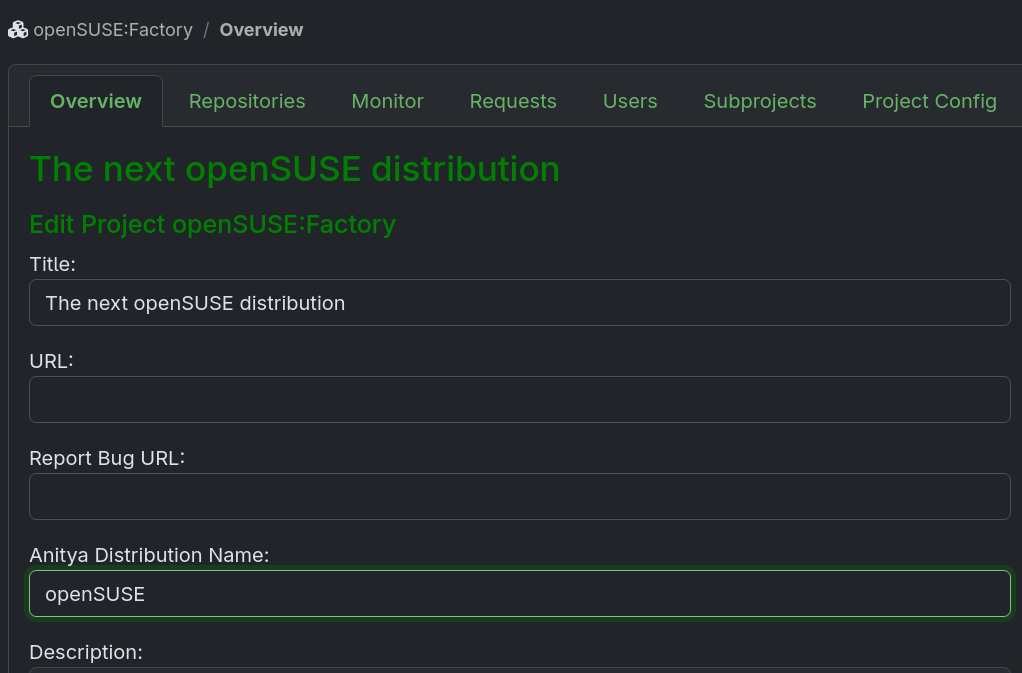
You need to be the project maintainer for every project in which you want to set this feature up. Open up the project and click the edit button. Modify the Anitya Distribution Name value to one of the distributions listed in the Release Monitoring Distribution List. Follow Section 13.1.2, “Which Distribution Is Right for Me” if you are unsure which distribution to choose. If the appropriate Distribution doesn't exist, create it.
After refreshing the page, the package list in the project will include an additional Version column. This might not be filled out right away, it takes up to half an hour for the job processing to finish. The job goes through every package to parse the current local version and fetches the version from Release Monitoring.
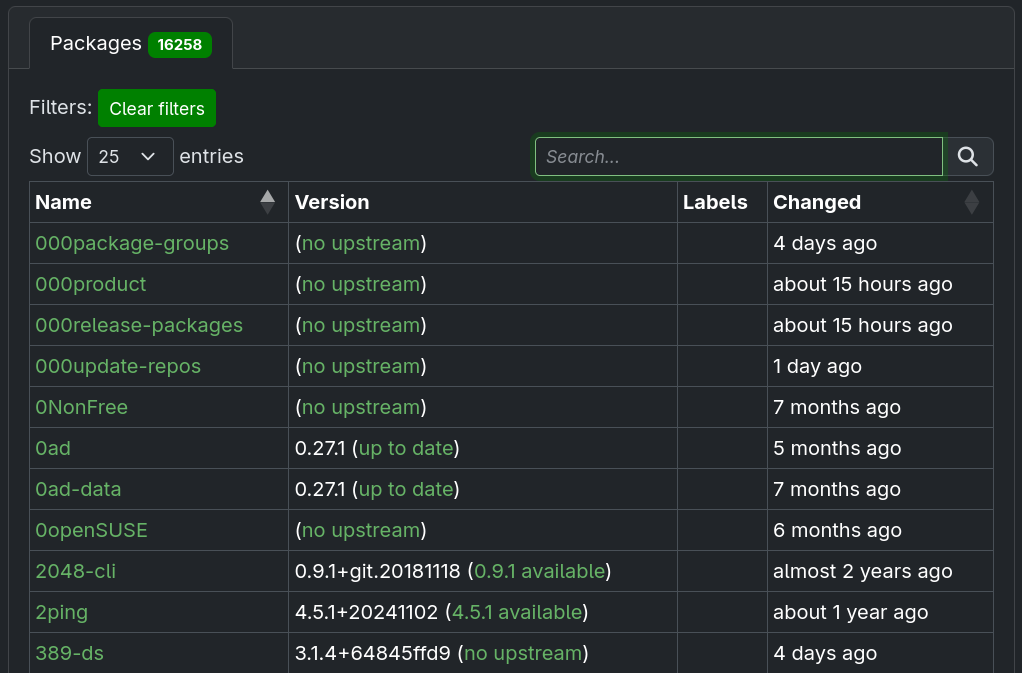
Whenever OBS detects a change of version upstream, it will send a notification to the package maintainers letting them know about it.
13.1.2 Which Distribution Is Right for Me #
There are a couple of things that can help you figure out the right distribution value for your project:
Is your project a development project for an existing distribution?
Is your project a derivative of another distribution?
Do you follow a naming scheme of an existing distribution?
If you can name a single distribution that answers any of these questions, that should be your choice. In case you don't find anything that matches, create a distribution yourself.
13.1.3 Filtering by versions #
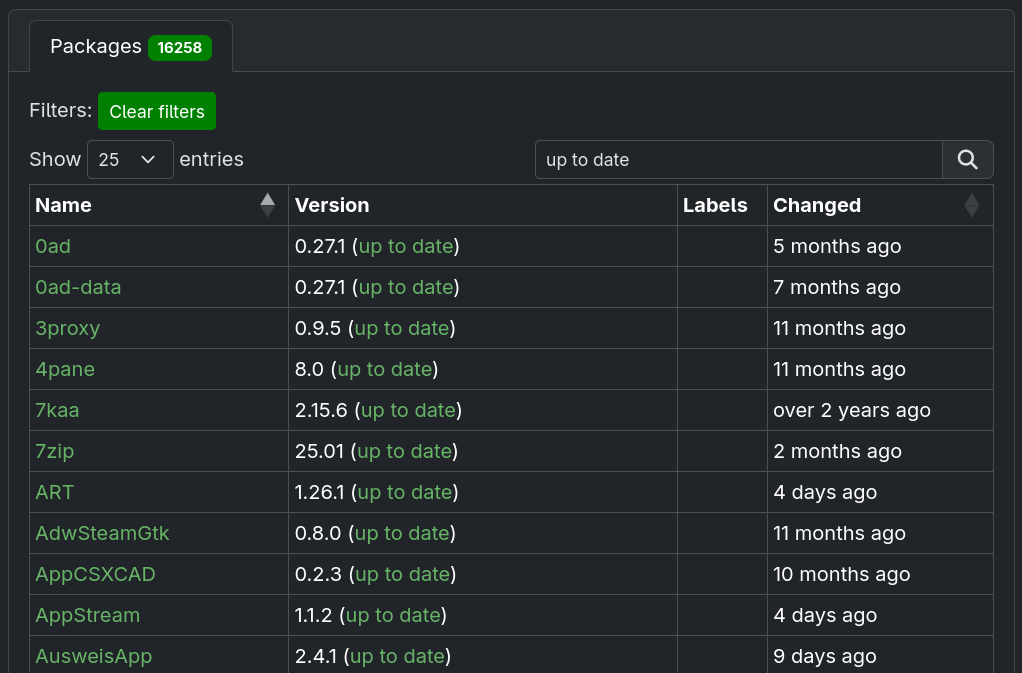
In some cases, you may want to get an overview of the packages that are in a specific version state. In such cases, searching by the strings visible in the Version column (i.e. no upstream or up to date) is possible.